There’s multiple ways to find subtitles on Drama-Otaku.com! Make sure you’re logged in and your account is approved/activated, otherwise you can’t download any subtitles from the site.
Method #1: Homepage
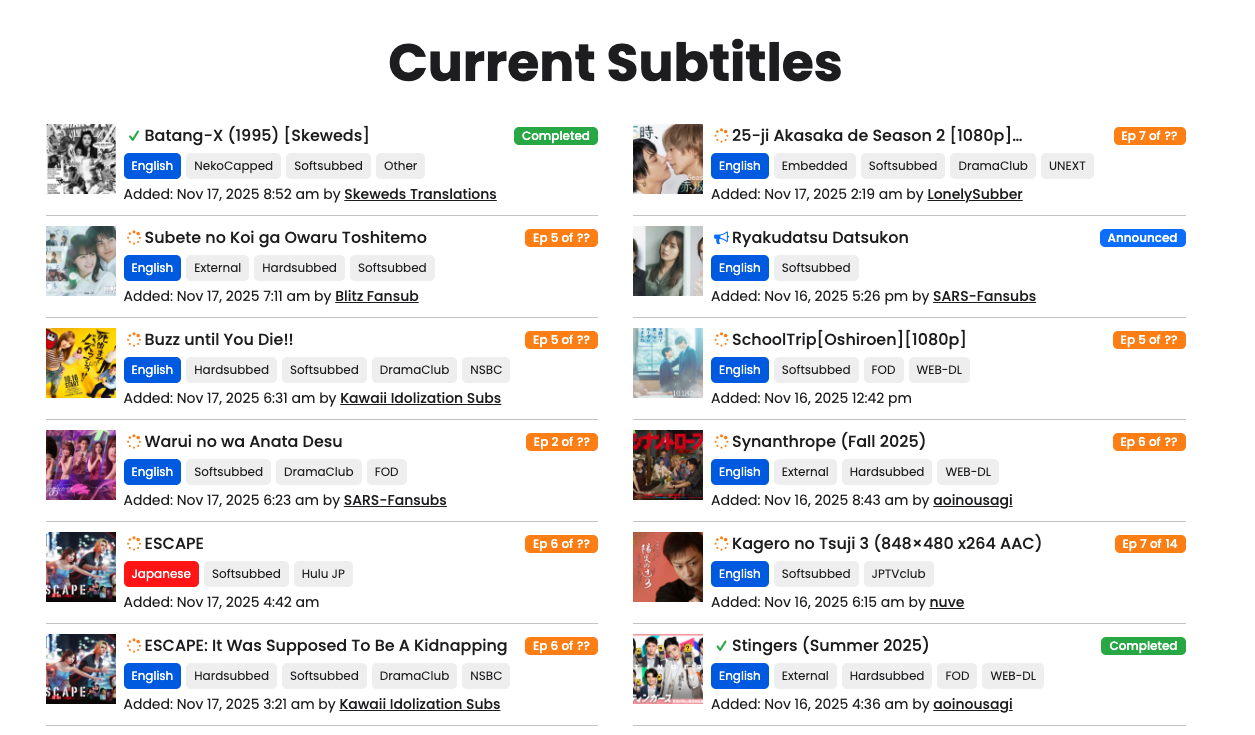
Underneath the Current Season slider area, we have a Current Subtitles area visible to approved and activated accounts. This Current Subtitles area shows you recently added subtitles on the site.
You’ll be taken to the Subtitle Project page if you click the image or the link.
Once you’re redirected to the Subtitle Project page, you can read the Credits and Notes section for any important details like finding the specific RAW that works with the subtitles.
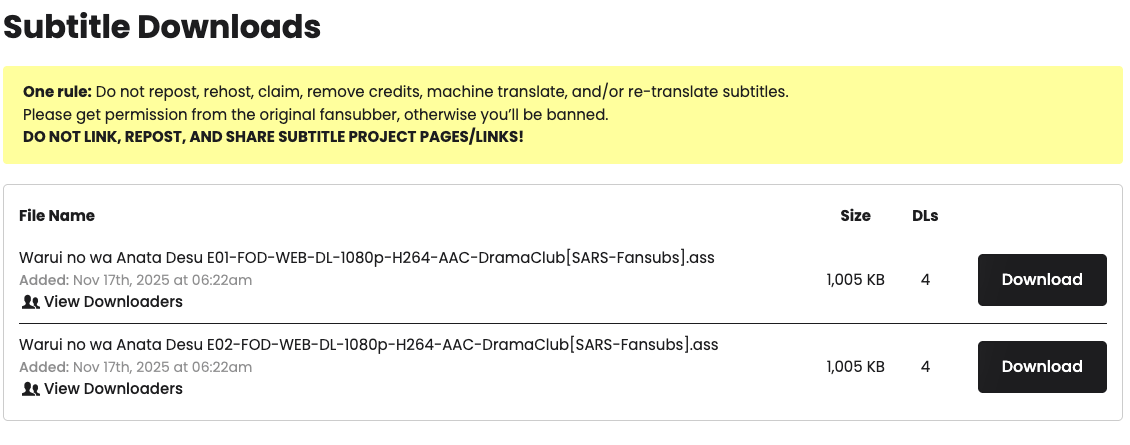
Scroll to the bottom of the page to access the Subtitle Downloads section. Click the DOWNLOAD button to download the specific subtitle you want.
Method #2: Subtitle Projects Index (aka Treasure Island)
You can access our uber Subtitle Projects Index (aka Treasure Island) via top navigation on the site under Subtitles (it’s the first link under Subtitles).
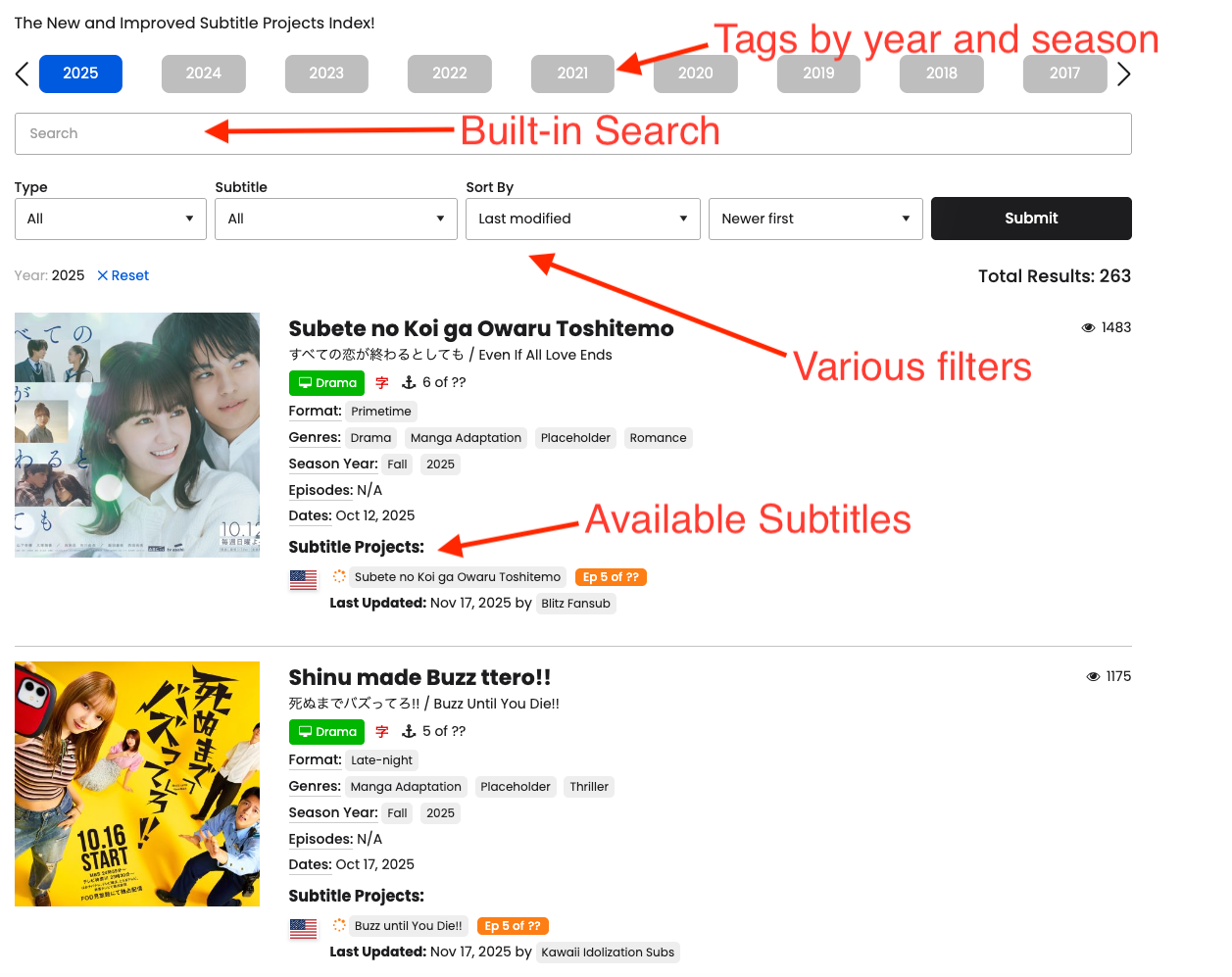
There’s 4 ways you can use Treasure Island:
- Use the built-in search (hit your ENTER button after typing in your search term) on this page
- Scroll through the list
- Use the various filters (with an optional search term)
- Use the Year and Season tags
Once you find what you’re looking for, click the Subtitle Project page, then go to Subtitle Downloads to download.
Method #3: Dramas, Movies, Specials Archives
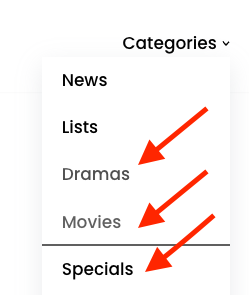
In the top main navigation of the site, there’s a Categories link. Hover over this to reveal Archive pages for different types of content on the site. You can view ALL Dramas or ALL Movies or ALL Specials that we have listed on the site.
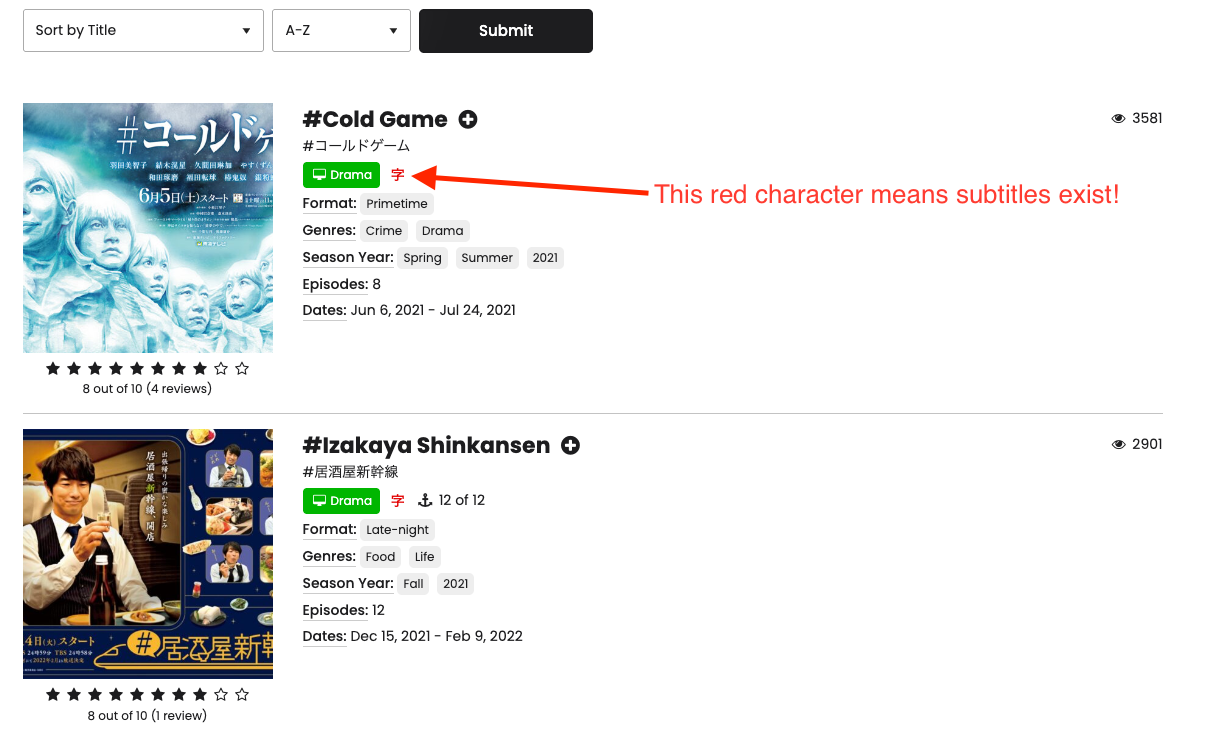
Let’s go to the Dramas Archive page. At the top, you’ll see Total Results: xxxx — This is the number of Dramas that we have entries for on the site. Below the ad, you’ll see a list of all Dramas on the site in alphabetical order.
There’s some basic details about the specific Drama, but you’ll also see if a Drama has a Subtitle Project available or not.
Subtitles exist if you see a red 字 character.
Once you find what you’re looking for, click the Drama, Movie, or Special page, then go to the Subtitle Availability section, finally click the Subtitle Project page, then go to Subtitle Downloads to download.
If no Subtitle Project exists, you’ll nothing

Method #4: Search!
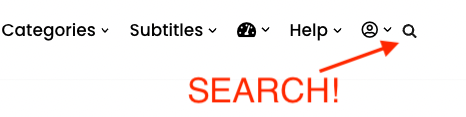
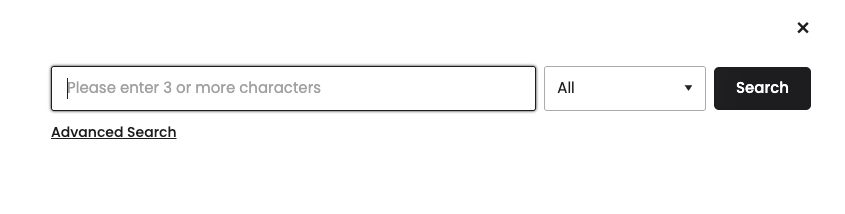
Click on the magnifying glass icon in the top navigation of the site, type in the Drama, Movie or Special you’re looking for (it can be in Romaji, English, or Japanese), then hit your Enter key!
Pages (Dramas, Movies, Specials, Subtitle Projects) related to your search term will appear. Scroll through to find the Drama, Movie, Special or Subtitle Project.
Subtitle Projects have a GRAY featured image and are marked by the “Subtitle Project” tag.
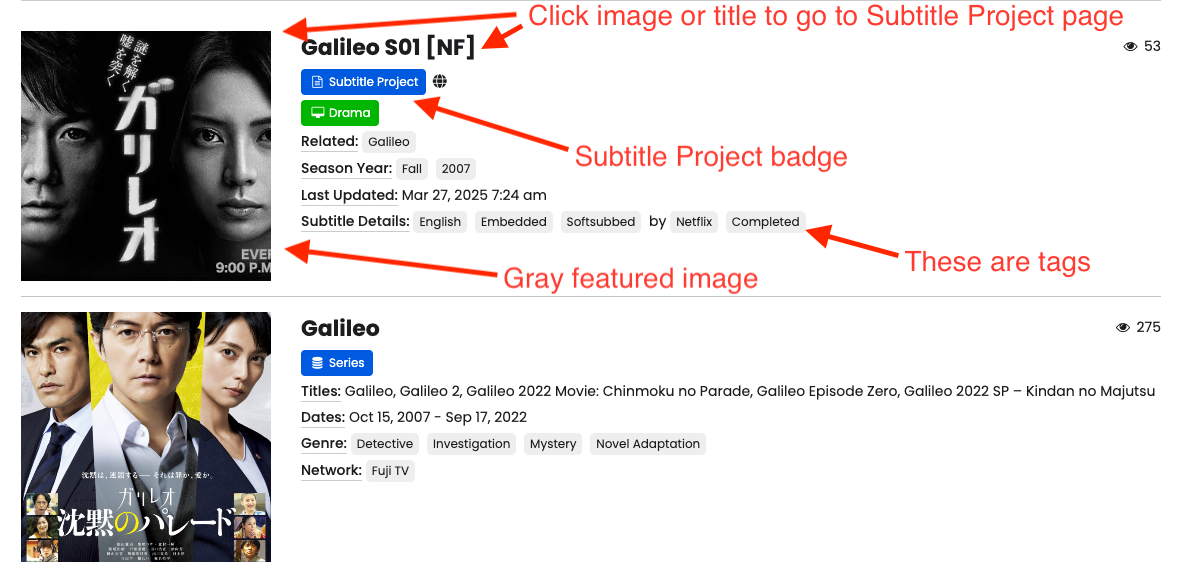
Once you find what you’re looking for, click the Subtitle Project page, then go to Subtitle Downloads to download.
Method #5: SOL Request Subtitles!
Sometimes Subtitles do not exist. If a Drama, Movie, or Special doesn’t have any Subtitle Projects on the site, a No Subtitles! message will appear underneath the Synopsis.
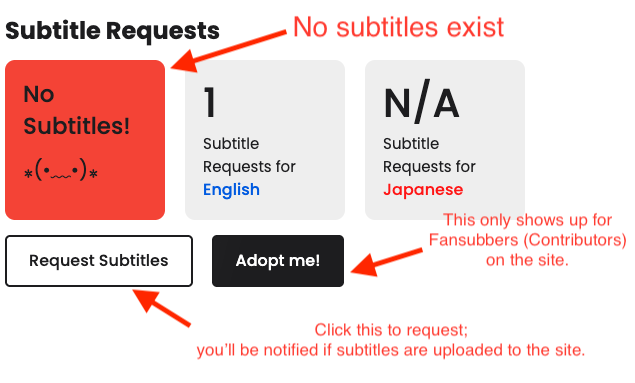
Click the Request Subtitles button and select which language you want to request.
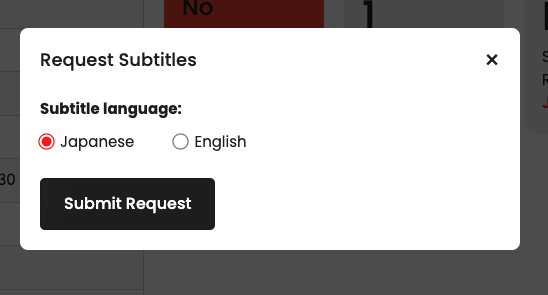
Click Submit Request when done or click the X in the corner if you don’t want to cancel the request.
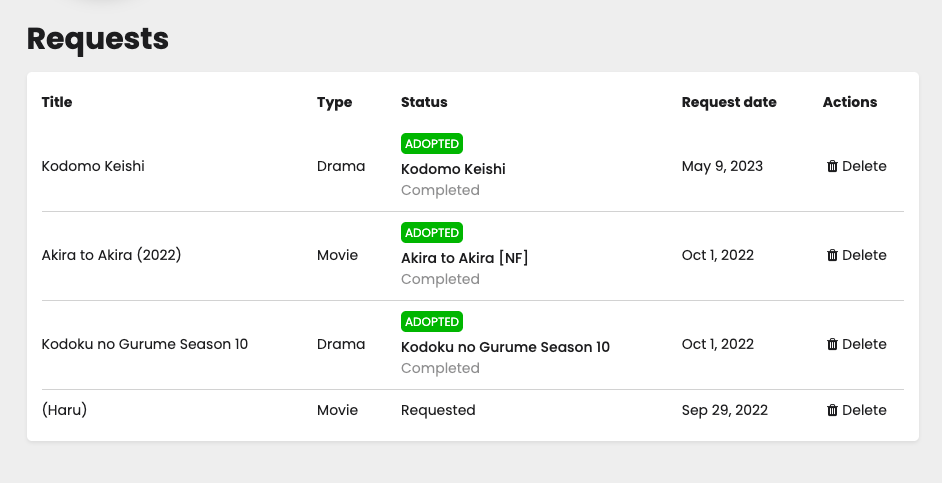
You can go to your Dashboard > Requests tab (located in the top navigation) to view all of your Requests.
Forever Lonely shows all requests on the site. Potential fansubbers can look at this to decide on potential projects.
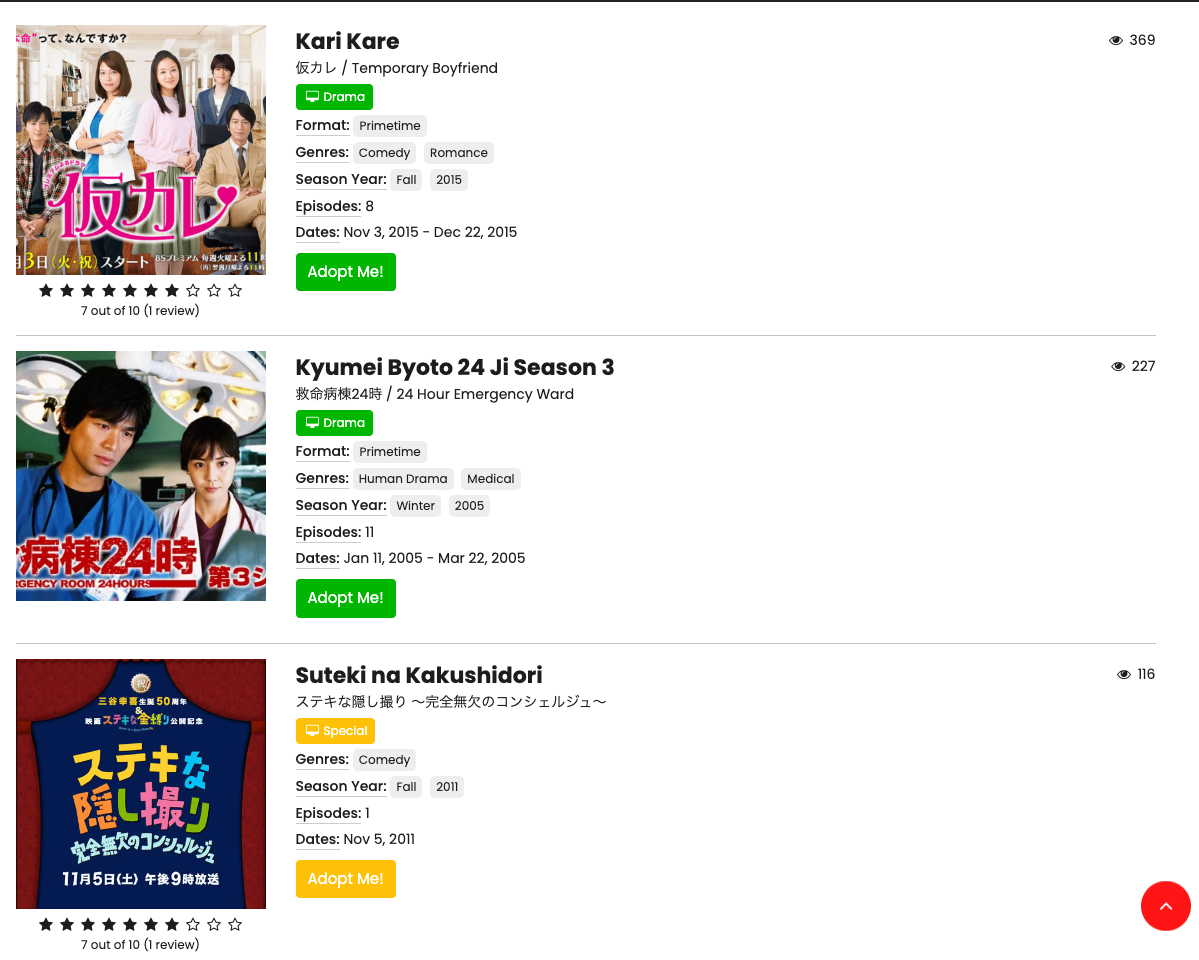
You can also view your Requests from your Dashboard.